
🎉Just shipped v1.0

You Make the Connection.We Automate the

Follow-Ups.

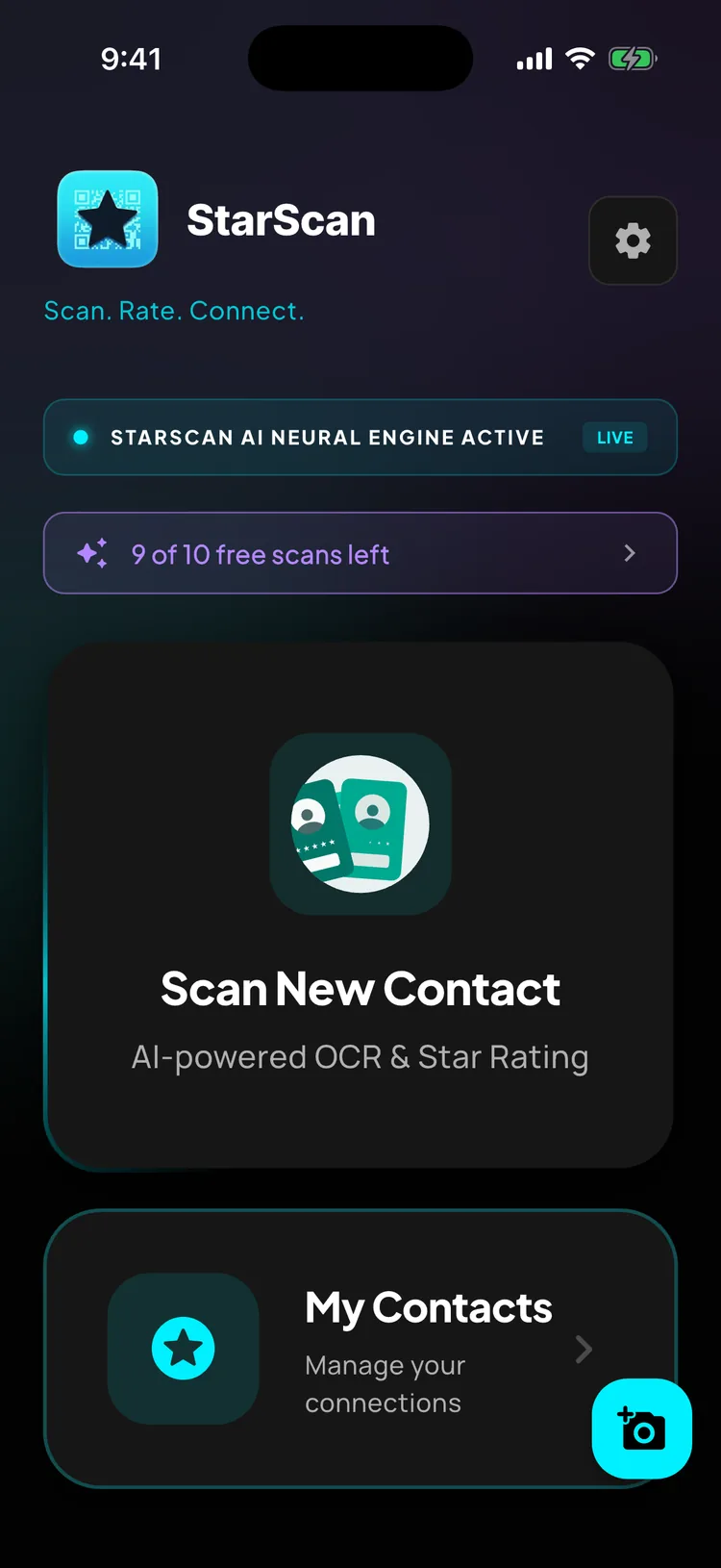
Ditch the stack of paper cards. Scan or tap to instantly digitize a contact. Rate them to trigger AI insights and automated follow-ups—all in one ridiculously simple motion.

The Problem

Traditional Networking is Broken.

Every business card you collect is a warm lead waiting to go cold. Here is why your current system isn't working:

Lost Leads

The Card Graveyard

You return from a busy conference with dozens of physical business cards that end up gathering dust on your desk until they are thrown away.

Broken Memory

Loss of Context

Weeks later, you look at a name in your contacts and think: 'Where did I meet this person, and what did we talk about?'

Cold Leads

The Forgotten Follow-up

You intend to write a follow-up email, but you put it off, forget the details, and lose the connection forever.

StarScan fixes this instantly.

Streamlined Workflow

How It Works

Our integrated platform takes you from handshake to automated follow-up with powerful intelligence at every step.

01

Scan or Tap

Point your camera at a paper business card for AI OCR extraction, scan a LinkedIn QR, or tap your phone next to theirs to swap digital cards via NFC.

Rate Encounter

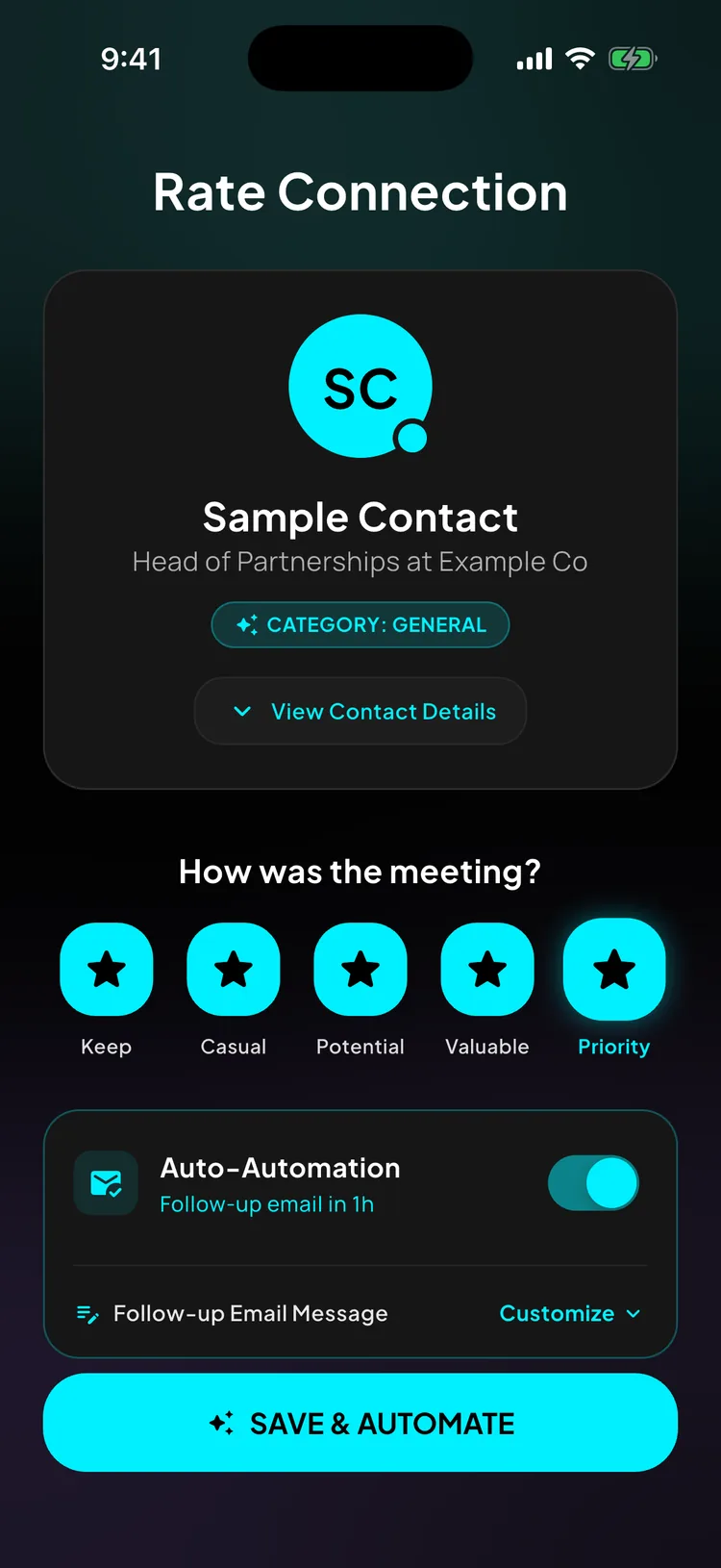
Score the encounter on a 1-to-5 star scale. Add quick notes and let Grok analyze the contact details to suggest categorization.

02
03

Location Context

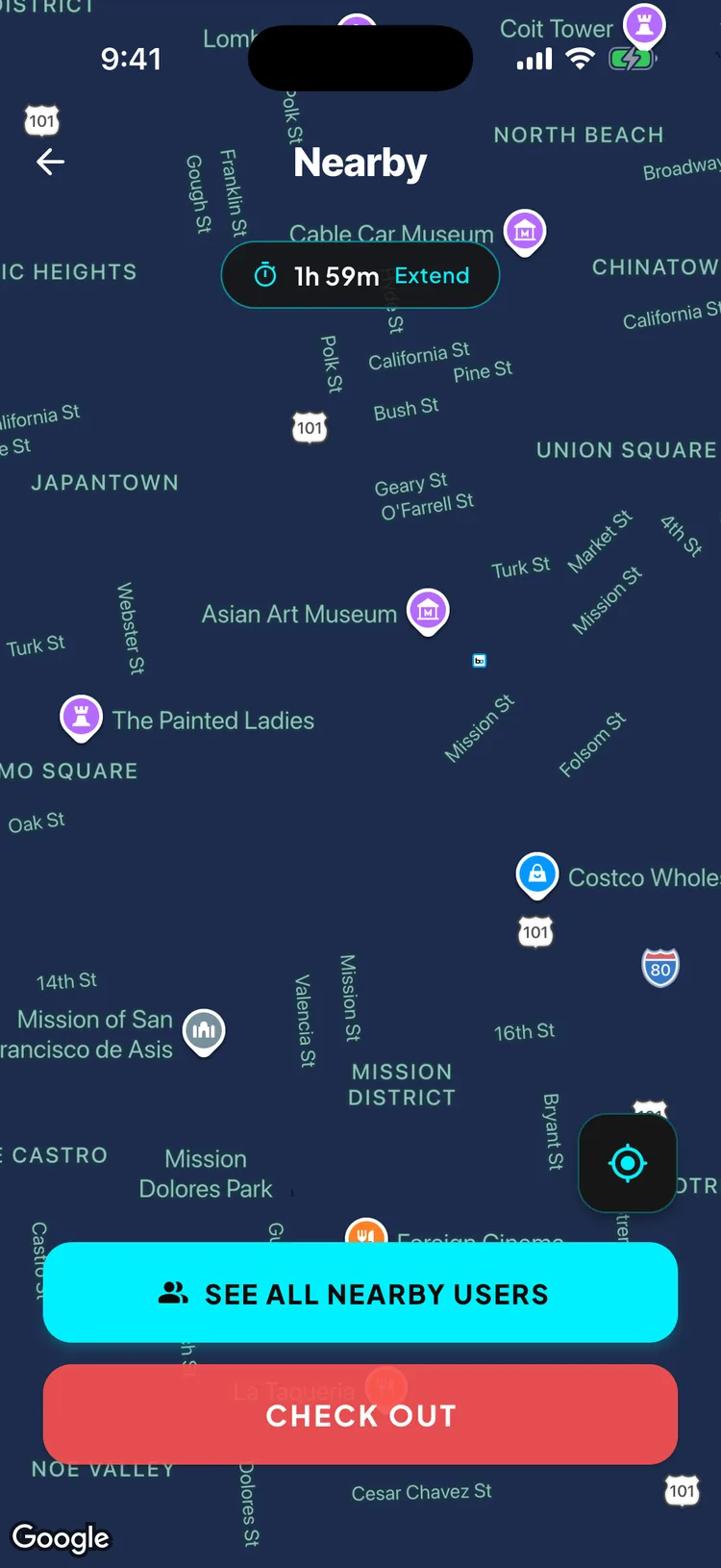
StarScan automatically pins the meeting to the map using GPS and Google Places, listing the exact name of the venue or business where you met.

Automate Follow-up

Write or choose a pre-formatted message and set it to dispatch automatically in 1, 2, 4, 12, or 24 hours. StarScan handles the email in the background.

04
Input Methods

Capture Contacts on Your Terms.

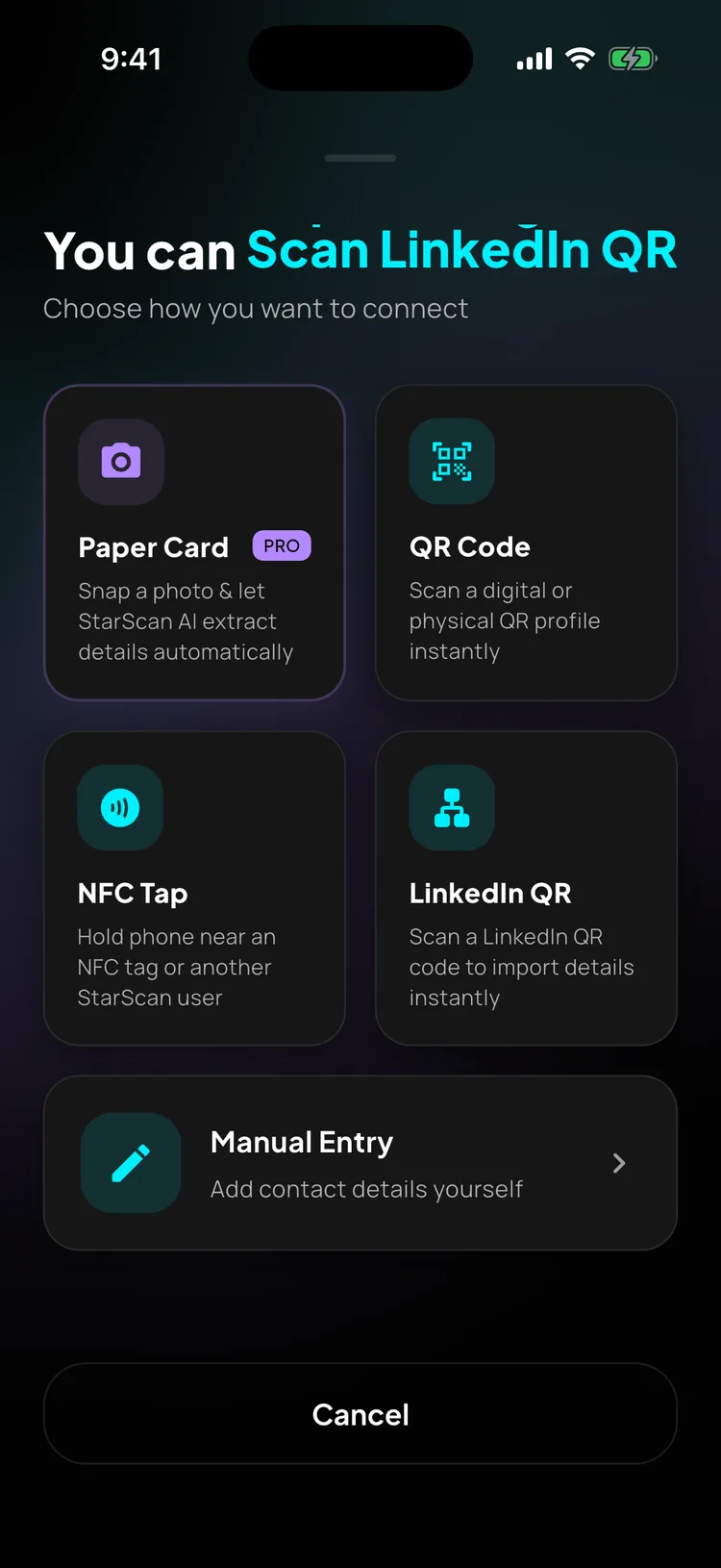
StarScan offers five flexible, lightning-fast methods to import contacts depending on the event, venue, or situation.

AI OCR Vision Engine

Camera Paper Card Scan

Extract business card details with surgical accuracy. StarScan uses state-of-the-art vision intelligence to extract names, emails, phone numbers, and companies.

Autocaptures when camera stabilizes

Sarah Jenkins

Founding Partner • Apex Capital

s.jenkins@apexcap.comFLIP
Apex Capital Partners

Ventures in FinTech, AI Infrastructure & Decentralized Apps.

BACK SCANNED
High Contrast Display

Instant QR Profile Sharing

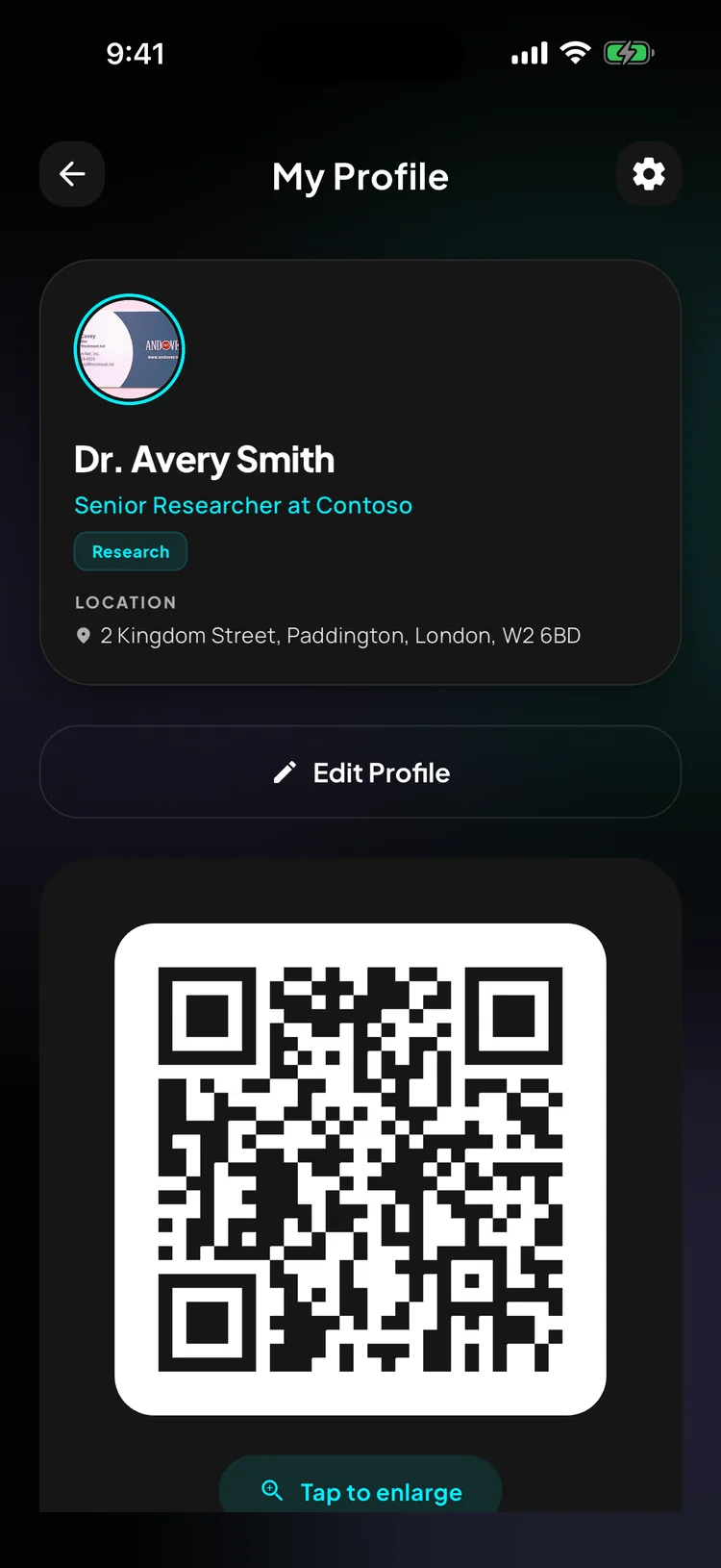
Share your profile details without handing over paper. StarScan generates a dynamic QR code. Tapping it automatically overrides your screen brightness to 100%.

Host Card Emulation (HCE)

Contactless NFC Taps

Exchange details with a physical touch. Walk up, tap phone-to-phone to broadcast profile details instantly, or write your digital card link onto standard physical NFC tags.

Official API Sync

LinkedIn QR Reader

Skip searching for common names. Scan any official LinkedIn QR code within StarScan. The app immediately parses their professional details and provides a direct Link.

Automatically pulls profile pictures & bios
SJ

Sarah Jenkins

Founding Partner at Apex Capital

Deep Linking Protocols

Universal Smart Profile Links

Share your card anywhere on the web. Send your link via email, WhatsApp, or SMS. If the recipient doesn't have StarScan, it falls back to a web profile.

Frictionless fallback to any standard mobile browser
starscan.ai/sjenkinsCopy
Web Fallback Preview

Sarah Jenkins

Founding Partner • Apex Capital

Intelligence

Remember the Context, Not Just the Contact.

Score your meetings, organize your career, and let Grok AI analyze relationship depth in real-time.

4:47
57

Rate Connection

JD

John doe

Senior Manager at StarScan

✨ CATEGORY: GENERAL
How was the meeting?
Grok Insights
  • Met john at Tech innovators conference.
  • Named in Forbes 30 under 30.
  • Tech monster.
Auto-Automation
Automated Follow-up Email
Hide Preview ▲
Automation

Automate Your Follow-Ups.

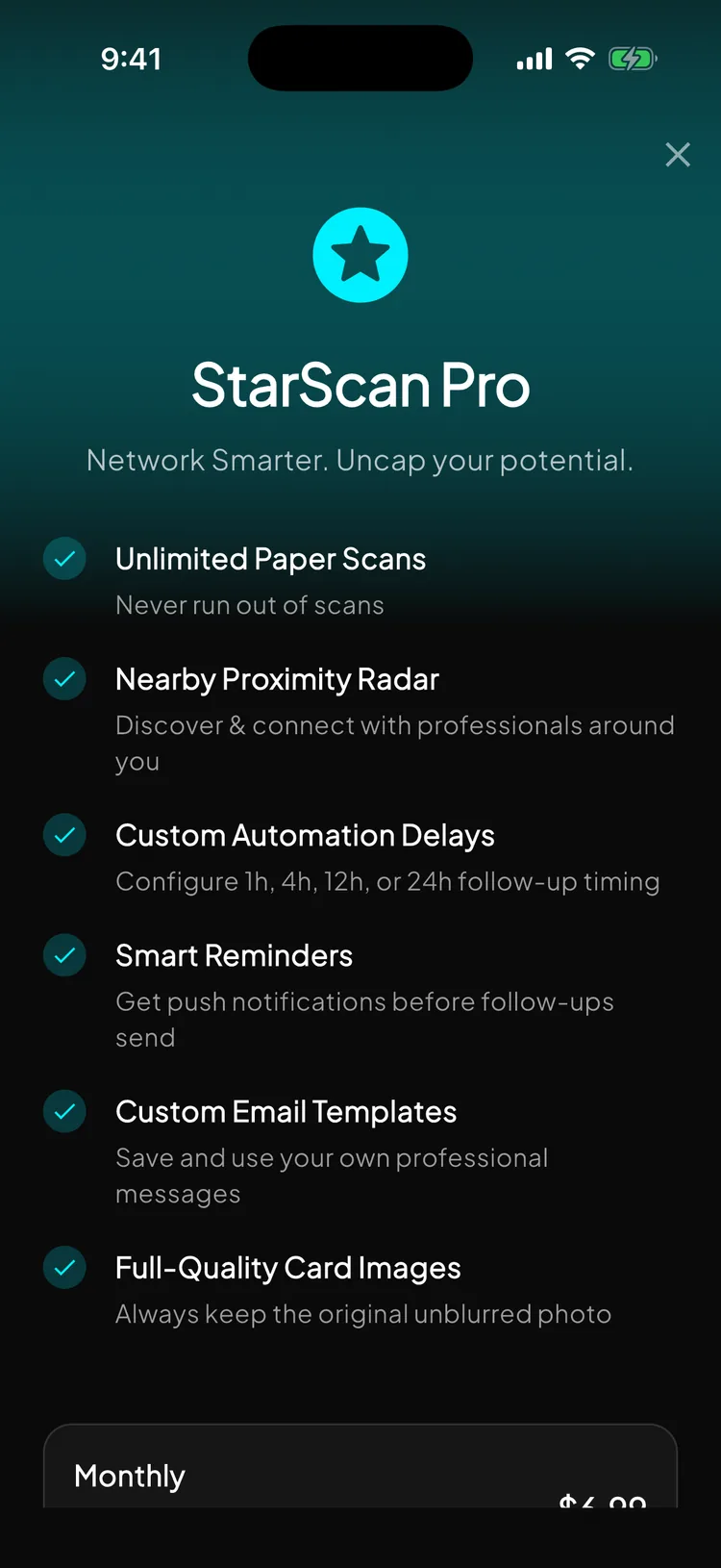
No more forgetting to email after a busy conference. StarScan drafts, schedules, and dispatches custom follow-up emails on your behalf.

Delay Queue

Set. Buffer. Send.

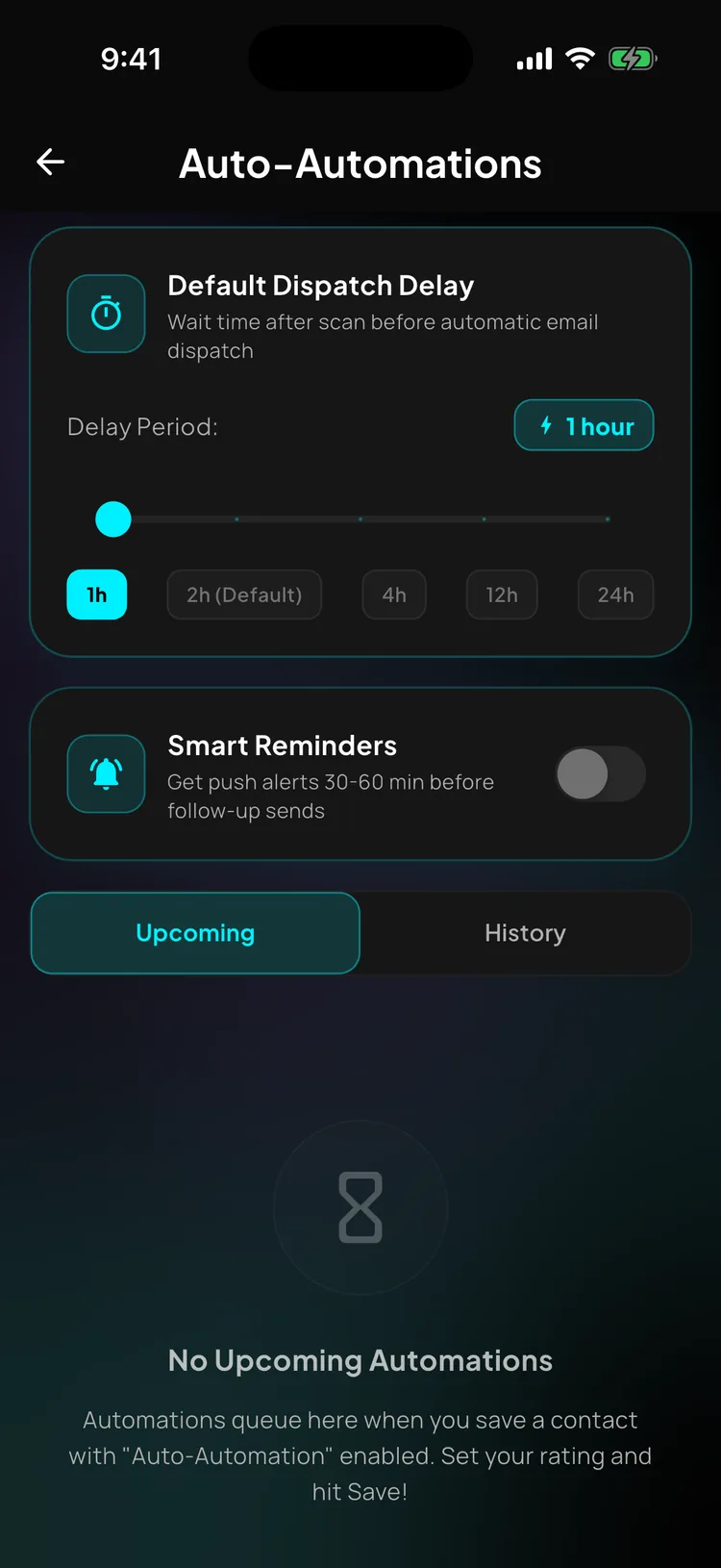
Choose dispatch delays from 1 to 24 hours. The default 2-hour delay gives you a secure window to edit, customize, or completely cancel any scheduled follow-up.

1h
2h
4h
12h
24h

Sleek HTML TemplatesDispatched via secure SMTP servers from hello@starscan.ai, maintaining high delivery rates.

Recipient

Sarah Jenkins
1h 34m 2s
Subject: Sarah Jenkins wants to stay connected — via StarScan

"Hi Sarah, it was great meeting you at SF Marriott. Let's catch up on the API partnership next week."

Recipient

David Chen
Sending in 11h 59m
Subject: David Chen wants to stay connected — via StarScan

"Hi David, loved your insights on Moscone Center's panel. Would love to sync up on Helix Devs."

Alerts Suite

Guided Networking with Smart Alerts.

StarScan works in the background to ensure you never miss a nearby connection or forget a critical relationship milestones.

Wednesday, July 1

10:20

Push Notifications Active
Contact Nearby! 📍Just Now

Sarah Jenkins is within 1km of you. Tap to open Nearby Contacts Map.

Upcoming Follow-up ⏳10m ago

Your follow-up email to David Chen is scheduled to send in 30 minutes. Tap to edit or cancel.

Follow-up Sent! 🚀2h ago

Your scheduled follow-up to Elena Rostova has been sent successfully. Tap to view history.

Follow-up Reminder ⭐Yesterday

Your follow-up email to Mark Cuban was sent 24 hours ago. Time to check in?

Features Grid

Smarter Push Logistics

Smart Proximity Triggers

Alerts are throttled to a maximum of once per hour per contact to protect your privacy and battery, preventing event spam.

30m Warnings

Receive friendly 30-minute countdown alerts prior to scheduled follow-ups, giving you plenty of time to edit drafts or cancel the dispatch.

Direct Deep Linking

Tapping any notification opens the app and routes you directly to the correct view (Nearby Map, Automations Queue, or History log).

They love it, so will you

“A game changer for networking at events”

ivanguizar

“No more stacking paper cards or losing contacts”

mabdullahh

“Legitimately the best contact scanning experience”

r_x_rx
FAQs

Got questions?
Here's the answers.

Still have questions?

Our team is here to help. Reach out to us at support@starscan.ai for any inquiries or support.

Contact Support